
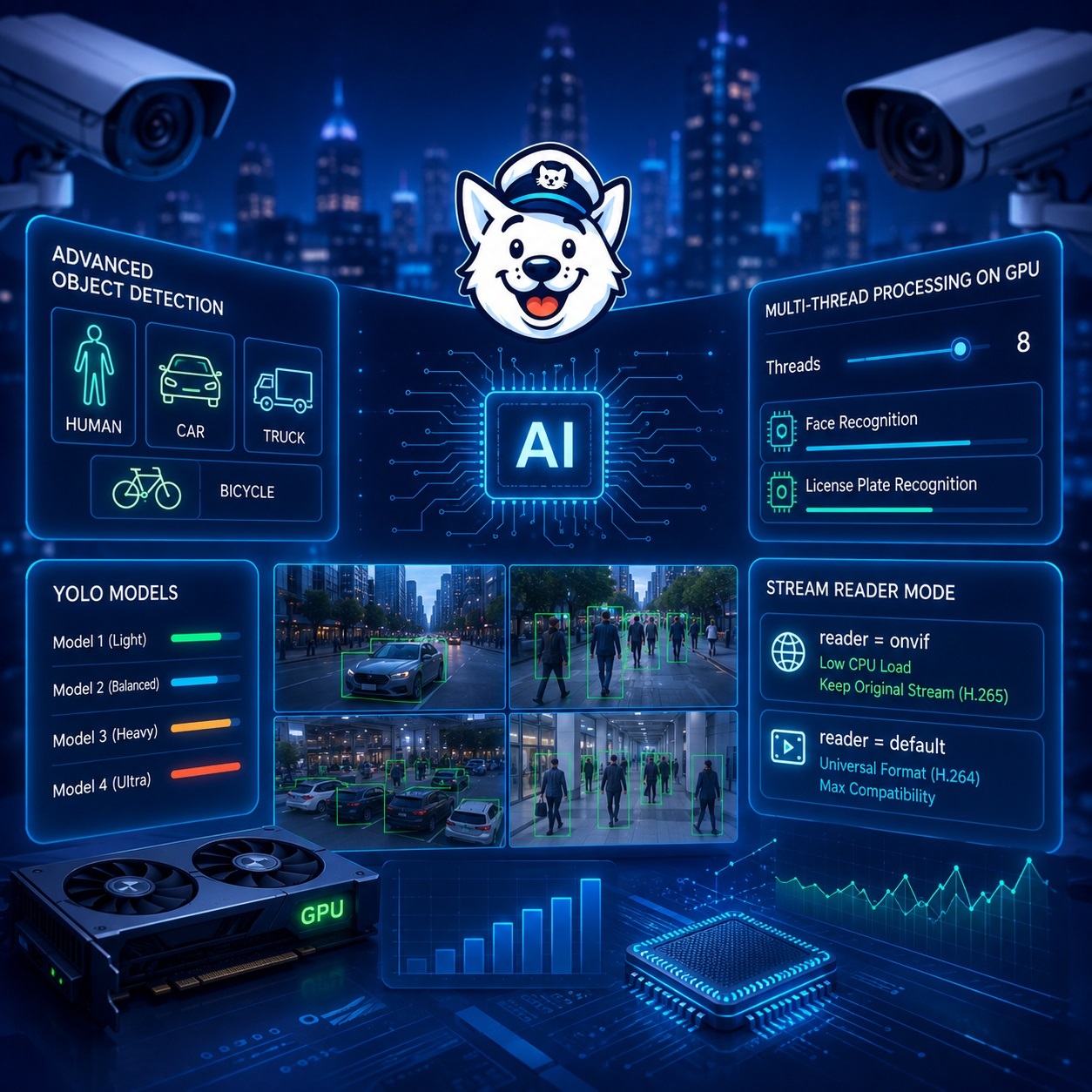
SmartVision 6.4 introduces an Advanced Object Detection mode with a choice of four YOLO models. Multithreaded video processing on the GPU has been optimized, face and license plate recognition settings have been expanded, and performance with large numbers of IP cameras has been improved.
Advanced Object Detection
An additional Advanced Object Detection mode has been added to the software, providing more accurate object detection. The new mode is designed primarily for computers equipped with a GPU, since more complex models require additional computing resources.
You can now select one of four YOLO models in the yolomodel.txt configuration file. The models differ in weight size, detection accuracy, and system load. The heavier the selected model, the higher its potential recognition accuracy, but the more GPU memory and processing power it requires.
The SmartVision installation package has increased in size due to the addition of new models and model weights.
Multithreaded GPU Processing
The face and vehicle license plate recognition module has been optimized for systems using multiple cameras. Video streams can now be processed in parallel on the GPU.
The software settings allow you to specify the number of threads used simultaneously for:
• face recognition;
• vehicle license plate recognition.
This makes it possible to use the capabilities of modern graphics cards more efficiently and improve system performance when working with a large number of cameras.
The number of threads should be selected based on GPU performance, available video memory, camera resolution, and the recognition models being used.
Selecting the Video Stream Reader Mode
When using resource-intensive recognition models with a large number of cameras, it is recommended to use:
reader = onvif
In this mode, SmartVision saves the camera’s original stream without additional transcoding. This reduces CPU and GPU load because system resources are not used to convert the video.
Please note that when the original stream is recorded in H.265 format, archived files may not play directly in a web browser. This is caused by limited H.265 support and licensing restrictions in some browsers and operating systems.
For maximum compatibility, you can use:
reader = default
In this mode, video is saved in the widely supported H.264 format, which plays correctly in most browsers, media players, and operating systems.
However, when a large number of cameras is used, transcoding streams to H.264 may significantly increase the load on the computer. The appropriate mode should therefore be selected based on the system configuration, the number of cameras, and the requirements for browser-based archive playback.
SmartVision 6.4 provides more flexible recognition model configuration, uses GPU resources more efficiently, and makes it possible to adapt the video surveillance system for both small installations and large-scale deployments with many cameras.